Why do contractors use a remodel visualizer?
Because homeowners can't picture a remodel from a scope of work and a price. When they can't picture it, they compare the only thing they can see: the number. A visual of their finished room changes the conversation from price to the result.
A good visualizer also cuts change orders. When the client has already seen the tile, the cabinets and the shower before work starts, there are fewer "that's not what I imagined" moments after.
At our own remodeling company, our close rate went from 3 in 10 estimates to 5–6 in 10 after we started sending 360° tours.
Which remodel visualizers are best for contractors?
| Tool | Best for | Starts from | Time per project | Starting price |
|---|---|---|---|---|
| Remodel in 360 | Interior remodel sales (kitchens, baths) | 2 phone photos of the real room | About 6 minutes | First tour free, then $49/month |
| Renoworks | Exterior products (siding, roofing, paint) | A photo of the house | Minutes | Capterra lists from $39/month |
| Hover | Exterior measurements and estimates | Phone photos of the house | Hours (processed model) | From $59 per project |
| Houzz Pro | All-in-one business software with 3D | A floor plan you draw | Hours | Free plan; paid $99–$399+/month |
| Chief Architect | Detailed design and construction drawings | A model you draw | Hours to days | $229/month or $1,995/year |
| Cedreo | Floor plans and photo-real renderings | A plan you draw | About 2 hours | Free plan (1 project); $129/month |
| RoomSketcher | Floor plans with 3D and 360° views | A plan you draw or order | Under an hour | Free; Pro $12/month billed yearly |
| Remodel AI | Quick idea images | One photo | Seconds | From $6.99/week |
Prices from each company's website or Capterra, checked October 2026. They change, so confirm before you buy. All names are trademarks of their owners. We make Remodel in 360, so weigh our view of our own product accordingly.
1. Remodel in 360: best for interior remodel sales
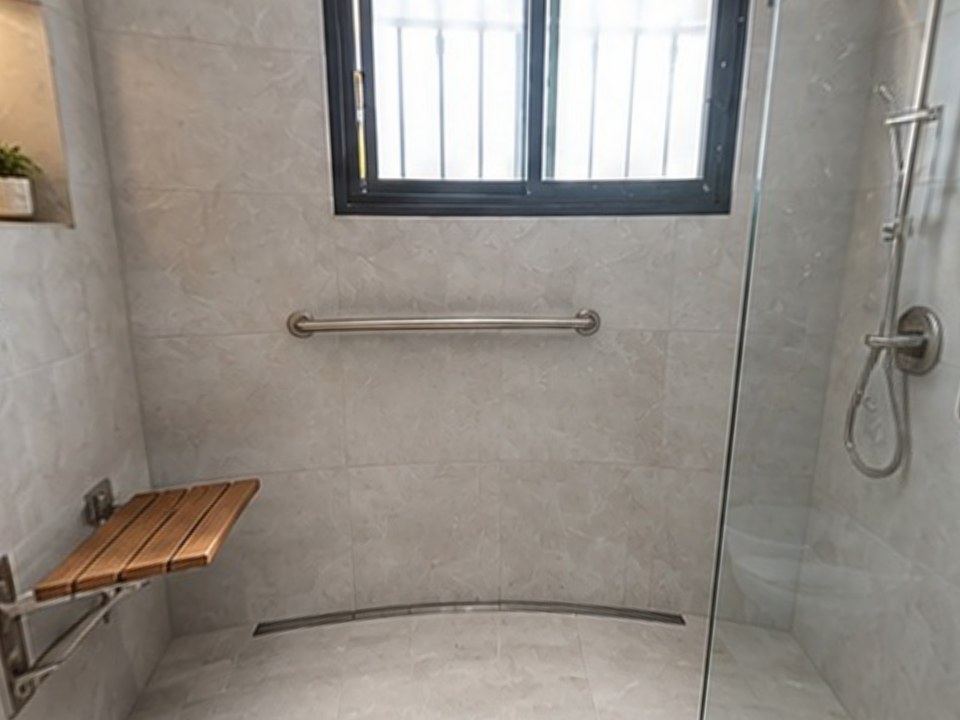
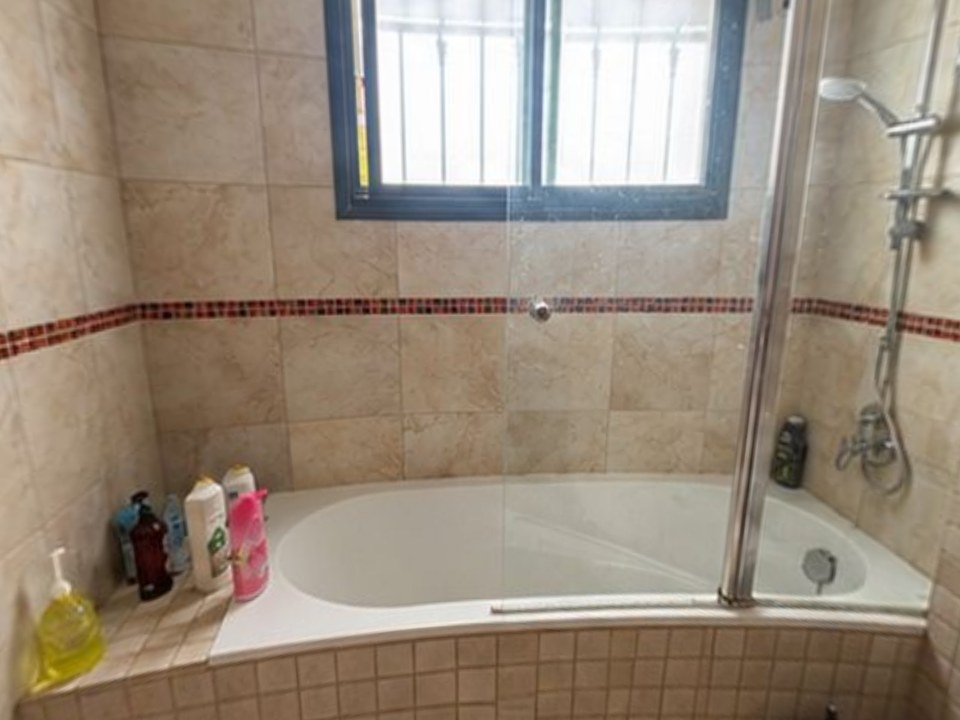
Take 2 phone photos of the room at the estimate, type or dictate the changes, and about 6 minutes later the client walks through their own room in 360°, before and after, with every change labeled. You send one link with your estimate; it opens on any phone.
- Keeps what stays (window, toilet, layout) and checks every change on your list
- 2 change rounds per tour, about 2 minutes each, so "darker floor?" gets answered at the table
- Plans: Starter $49/month (4 tours), Pro $99 (12), Team $249 (35). See pricing
The tradeoff: interiors only, no measurements or construction drawings.
2. Renoworks: best for exterior products
Puts siding, roofing, trim, paint, windows and doors from brand catalogs onto a photo of the client's house. Many manufacturers and dealers use its white-label visualizers. Capterra lists a starting price of $39 a month; dealer setups are quote-based.
The tradeoff: exteriors and catalog products. See Renoworks alternatives.
3. Hover: best for exterior measurements and estimates
Builds a 3D model of the house from smartphone photos, with measurements, design with real products and estimates. Charged per project: on Starter, $59 for a simple structure and $99 for an average home (Hover's pricing page, October 2026).
The tradeoff: exterior only, and per-project fees add up. See Hover alternatives.
4. Houzz Pro: best all-in-one business software
Leads, CRM, estimates, proposals, 3D floor plans, mood boards and project management in one platform. Free plan; Design $99/month, Pro $199/month, Teams from $399/month, with extra users $50 each.
The tradeoff: the 3D tools are one part of a big suite you have to learn. See Houzz Pro alternative.
5. Chief Architect: best for detailed design and drawings
Professional residential design software used by remodelers and kitchen and bath designers: plans, elevations, framing, cabinets, materials lists and 3D renders. Premier is $229/month or $1,995/year.
The tradeoff: steep learning curve and hours per project. See Chief Architect alternative.
6. Cedreo: best for plans and photo-real renderings
Cloud 3D home design for builders and remodelers: floor plans, elevations and photo-real renderings, often in about 2 hours. Free plan with 1 project; Professional $129/month (Capterra, October 2026).
The tradeoff: you draw the house, so it isn't the client's actual room. See Cedreo alternative.
7. RoomSketcher: best for floor plans
Draw or order floor plans, then get 2D plans, 3D floor plans and 360° views of the design. Free plan with 2 credits; Pro $12/month billed yearly, Team $35/month.
The tradeoff: credits and per-render fees, and it shows a plan, not the real room. See RoomSketcher alternatives.
8. Remodel AI: best for quick idea images
An AI app that redesigns a photo of a room or house in under 30 seconds, mainly for homeowners. Plans from $6.99 a week.
The tradeoff: one photo at a time, and the AI may change things that should stay. See Remodel AI alternatives.
Which visualizer should you pick for each type of job?
| Your job | Best pick | Why |
|---|---|---|
| Bathroom remodel, tub-to-shower | Remodel in 360 | Client sees their own bathroom finished in 360°, every change labeled. See AI bathroom remodel |
| Kitchen remodel (same layout) | Remodel in 360 | Cabinets, counters and backsplash in the real kitchen. See kitchen remodel visualizer |
| New layout or addition | Chief Architect or Cedreo | You need drawings and exact sizes |
| Siding, roofing, paint | Renoworks or Hover | Exterior products and measurements |
| Listing or floor plan work | RoomSketcher | Clean 2D/3D plans |
| Quick idea for a homeowner | Remodel AI | Fast and cheap for inspiration |
How do contractors use a visualizer to win more bids?
Capture at the first visit
Take the photos while you're measuring, before you leave the house.
Send the visual with the estimate
The client compares your bid with a finished room they've seen, not just a number. See how to present a remodeling estimate.
Answer "what if" fast
A new version of the tile or cabinets the same day keeps the decision moving.
Follow up with the link
The spouse who wasn't home sees it too. See how to follow up on a remodeling estimate.
How accurate are remodel visualizers?
Drawing tools like Chief Architect and Cedreo are as accurate as the measurements you enter. Hover measures exteriors from photos. Photo-based AI tools are visualizations for deciding and selling: sizes are approximate and parts no photo shows are filled in. Remodel in 360 says that on every tour and keeps what stays in place, so the client trusts what they see. For a free way to show existing before & after photos, try our before and after slider maker.