What is remodeling proposal software?
It's software that turns your estimate into a document the homeowner can read, compare and sign: a scope of work, materials and allowances, options, price, payment schedule, terms, and an e-signature, often with a deposit payment.
An estimate is your internal math; a proposal is how you sell it. Good proposal software saves time with templates and cost libraries and makes you look professional. The best proposals also make the result easy to picture, because that's what the homeowner is really buying.
What should a remodeling proposal include?
| Section | What to put in it | Why it matters |
|---|---|---|
| Scope of work | Room by room: what's removed, what's built, what stays | Prevents "I thought that was included". Try the free scope of work generator |
| Selections and allowances | Cabinets, tile, fixtures, with allowance amounts | Sets expectations before the client shops |
| Options | Good, better, best, or add-ons | Lets the client choose instead of saying no. See the free estimate template with options |
| Visual of the result | A rendering or 360° tour of their room finished | The client buys the room, not the number |
| Price and payment schedule | Total, deposit, progress payments | Clear money terms build trust |
| Timeline, terms, signature | Start date, duration, warranty, change order process, e-sign | Makes it easy to say yes today |
Which remodeling proposal software is best?
| Software | Best for | Proposal features | Starting price |
|---|---|---|---|
| Buildertrend | Established remodelers who want one platform | Estimates, proposals, e-sign, client portal | From $499/month |
| Houzz Pro | Design-led remodelers | Proposals with takeoffs, product library, mood boards | Free plan; paid $99–$399+/month |
| JobTread | Small to mid-size remodelers | Estimates, proposals with e-sign, job costing | $199/month + $20/user |
| Knowify | QuickBooks-based contractors | Estimates, proposals, e-signable contracts | From $99/month |
| Leap SalesPro | In-home sales teams on a tablet | Price books, proposals, e-sign, payment | $79/user/month + $500 setup (Leap Team) |
| Remodel in 360 | Adding the finished room to any proposal | 360° before & after tour linked in the proposal | First tour free, then $49/month |
Prices from each company's pricing page or Capterra, checked October 2026. They change, so confirm before you buy. We make Remodel in 360; other names are trademarks of their owners. For more tools, see remodeling contractor software.
Why do good proposals still lose to cheaper bids?
Because a proposal is still words and numbers. Two remodelers can send equally professional PDFs; the homeowner can't picture either remodel, so the price is the only clear difference. More in how to beat lower bids and why homeowners pick the cheapest contractor.
A tour of their own room finished changes that. The client sees exactly what you're quoting, every change labeled, and they're comparing a room they've walked through with a number on someone else's PDF.
At our own remodeling company, our close rate went from 3 in 10 estimates to 5–6 in 10 after we started sending 360° tours.
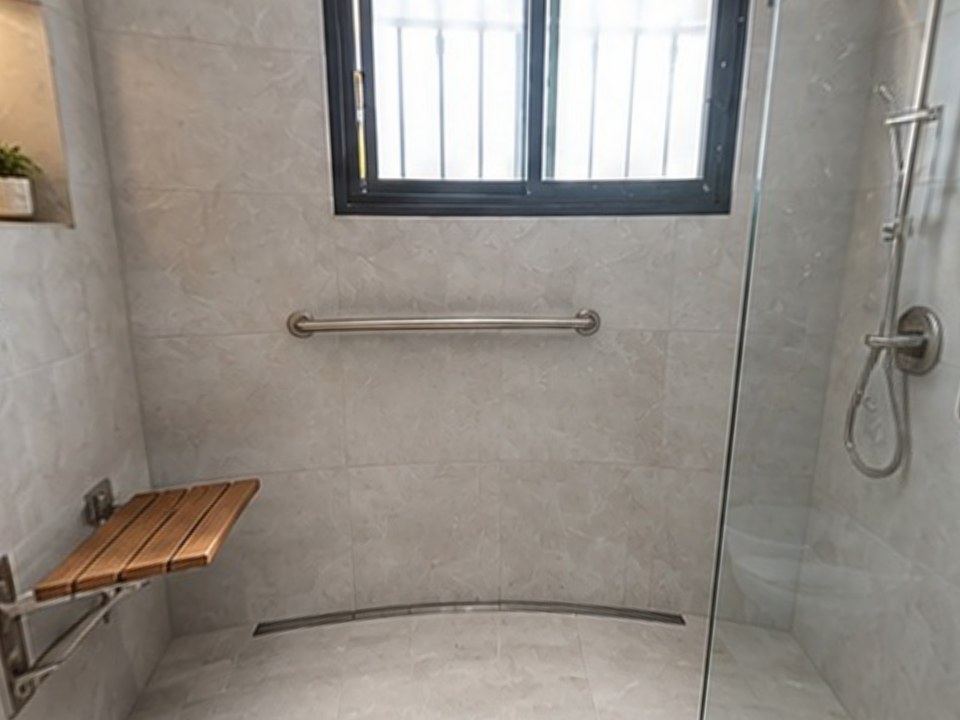
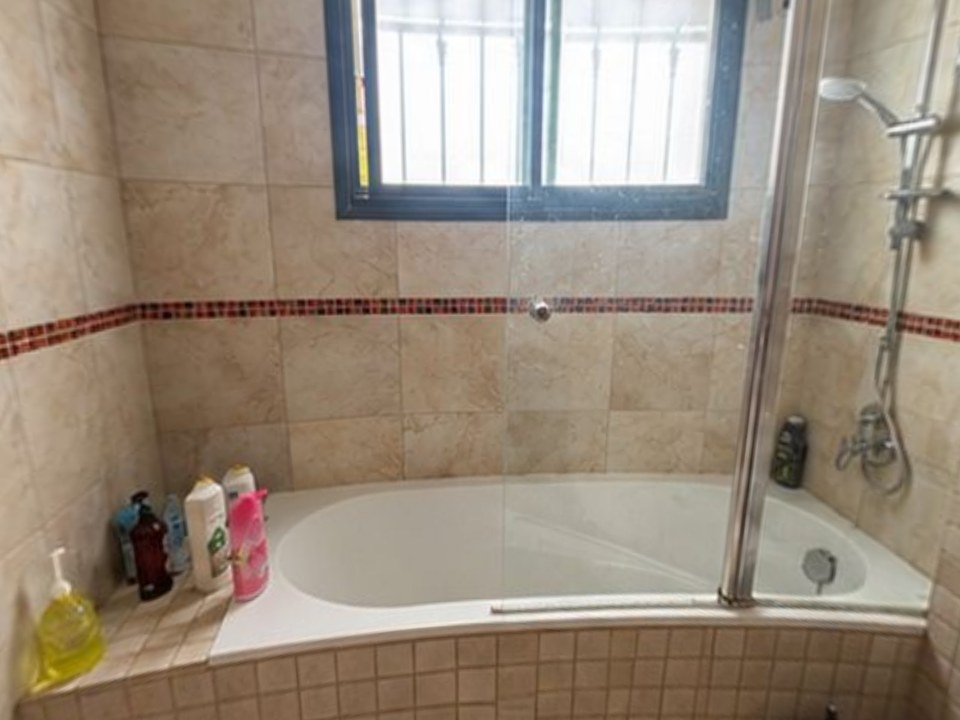
How do you add a 360° tour to your proposal?
At the walk-through
Take 2 photos of the room: one from the doorway, one from the far corner. No 360 camera.
Before you leave
Type or dictate the scope in plain words. About 6 minutes later the tour is ready, with every change labeled.
With the number
Paste the tour link into your proposal, email or text, right next to the price. It works with any proposal software.
When they ask "what if"
Make a change round (about 2 minutes) and send the new version the same day.
More: how to present a remodeling estimate and how to follow up on a remodeling estimate.
What's the difference between an estimate and a proposal?
An estimate is the cost calculation: materials, labor, markup. A proposal is the sales document built from it: scope, options, price, terms and signature. Estimating software helps you price; proposal software helps you present and get it signed. Many tools do both.
How do you choose remodeling proposal software?
Check what you already use
If your project management tool has proposals, use them before adding another app.
Look for options and e-sign
Good, better, best options and online signature raise close rates and speed.
Count users and setup fees
Per-user pricing and setup fees change the real cost.
Add a visual
Whatever you pick, add something that shows the finished room.