What is Renoworks, and why look for an alternative?
Renoworks makes visualization software for the home: upload a photo of a house (or pick a sample) and see different siding, roofing, trim, paint, windows and doors on it. Manufacturers and dealers use its white-label visualizers on their own websites, and contractors use Renoworks Pro to show clients exterior options. Capterra lists a starting price of $39 a month (October 2026); dealer and manufacturer setups are quote-based.
It's strong for exteriors and product selection. People look for an alternative when the job is inside the house, when they need measurements or construction plans, or when they want the client to see their own room finished rather than a product on a photo.
Which Renoworks alternatives are best?
| Tool | Best for | What you get | Starting price |
|---|---|---|---|
| Remodel in 360 | Kitchen, bath and interior remodels | 360° before & after tour of the client's real room from 2 photos, every change labeled | First tour free, then $49/month |
| Hover | Exterior measurements and estimates | 3D model of the house from phone photos, measurements, design and estimates | Per project, from $59 (Starter) |
| Cedreo | Builders who need plans and renderings | Floor plans, elevations, photo-real 3D renderings | Free plan (1 project); $129/month |
| Envisioneer (Cadsoft) | Home designers and builders | BIM home design with plans, 3D and product libraries | See its site for current plans |
| SketchUp | Custom 3D models you draw yourself | General 3D modeling for designs of any kind | Free web version; Go $129/year, Pro $399/year |
| Planner 5D | DIY layouts | Draw a floor plan, furnish and view it in 3D | Free version and paid plans |
| Roomle | Manufacturers selling configurable products | 3D and AR product configurator and room planner | Quote-based |
Prices from each company's website or public listings (Capterra), checked October 2026. They change, so confirm before you buy. Renoworks and the other names are trademarks of their owners; we're not related to any of them. We make Remodel in 360, so weigh our view of our own product accordingly.
1. Remodel in 360: best for interior remodels
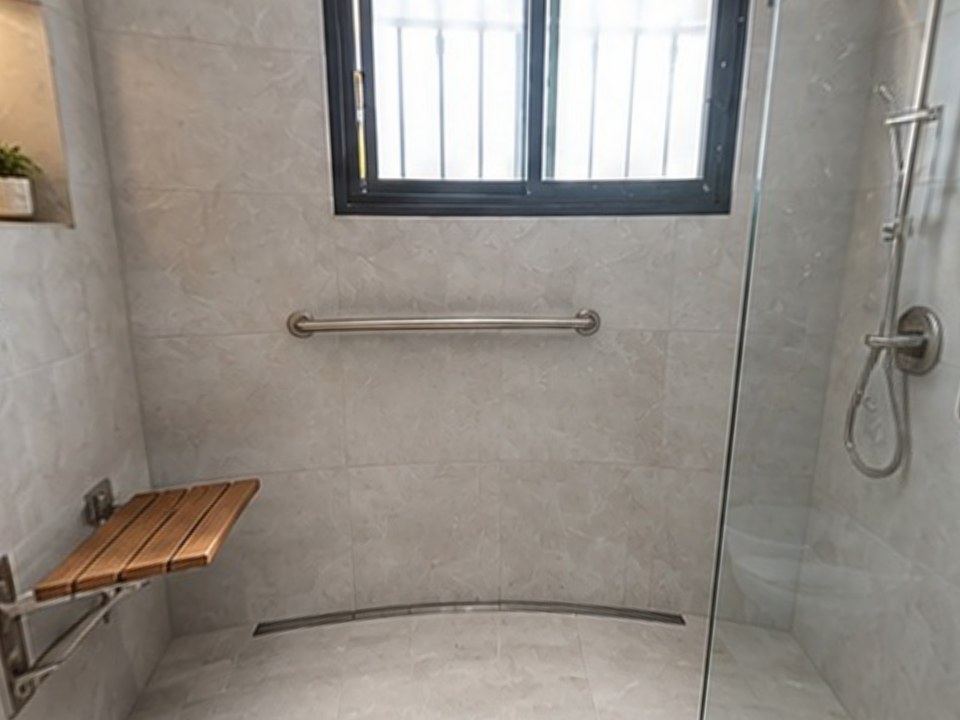
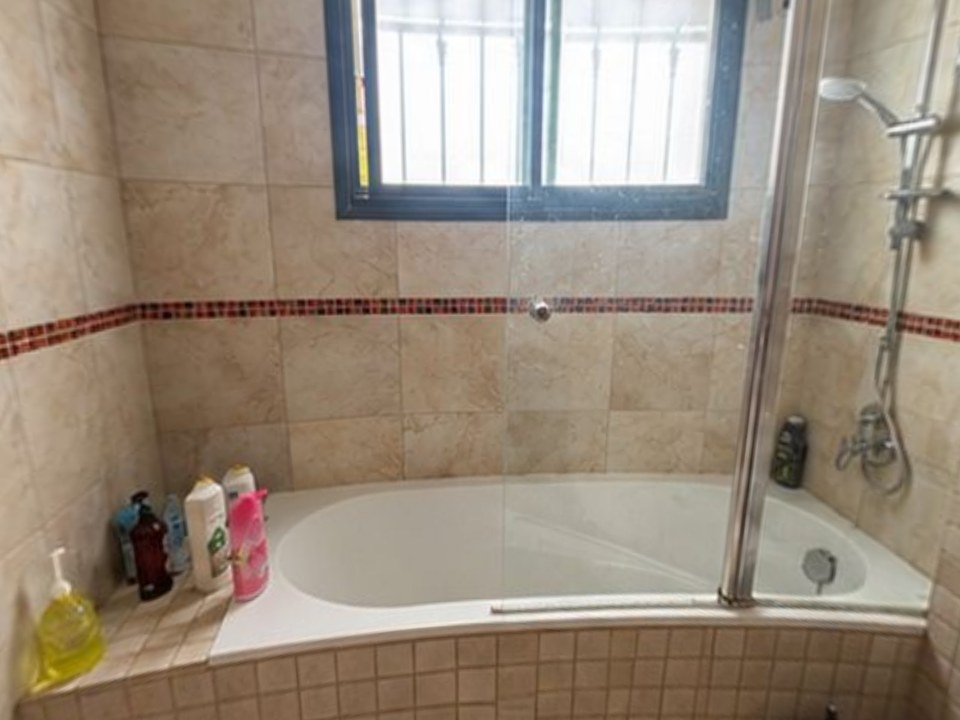
Renoworks is built for the outside of the house. Remodel in 360 is built for the inside, and for the sales visit: take 2 photos of the client's kitchen or bathroom, say what changes, and about 6 minutes later you send a 360° tour of that room before and after, with every change labeled.
At our own remodeling company, our close rate went from 3 in 10 estimates to 5–6 in 10 after we started sending 360° tours.
- Their real room, not a sample scene: what stays is kept in place
- Any finish you describe, not one brand's catalog
- 2 change rounds per tour, about 2 minutes each
- Flat monthly plans: Starter $49 (4 tours), Pro $99 (12), Team $249 (35). See pricing
The tradeoff: no exteriors yet, no measurements, and no branded product catalog. Keep Renoworks for siding and roofing.
2. Hover: best for exterior measurements
Hover builds a 3D model of a house from smartphone photos, with exterior measurements, design with real products and estimates. It charges per project: on Starter, $59 for a simple structure and $99 for an average home (Hover's pricing page, October 2026).
The tradeoff: exteriors only, and per-project fees add up. See Hover alternatives.
3. Cedreo: best for plans and photo-real renderings
Cloud 3D home design for builders and remodelers: floor plans, elevations and photo-real renderings. Free plan with 1 project; Professional is $129 a month (Capterra, October 2026).
The tradeoff: you draw the house, so it takes time and isn't the client's actual room. See Cedreo alternative.
4. Envisioneer: best for home designers who need BIM
Envisioneer by Cadsoft is home design software with plans, 3D views and product libraries, used by builders and designers. It's one of the companies most often listed next to Renoworks.
The tradeoff: a full design program with a learning curve, more than most remodel sales need.
5. SketchUp: best for custom 3D models
General 3D modeling software that many kitchen and bath contractors use to draw client designs. Free web version; Go is $129 a year and Pro $399 a year (October 2026).
The tradeoff: everything is drawn by hand. See SketchUp alternatives.
6. Planner 5D: best for DIY layouts
Draw or upload a floor plan, then furnish and decorate it in 3D from a large library. There's a free version and paid plans.
The tradeoff: made for homeowners planning their own layout, and it looks like a model. See Planner 5D alternative.
7. Roomle: best for manufacturers' product configurators
A 3D and AR configurator platform for furniture and building-product companies, with a room planner. Pricing is quote-based.
The tradeoff: built for selling one company's products, not for showing a contractor's remodel plan.
How do you choose the right Renoworks alternative?
Inside or outside?
Exteriors: Renoworks or Hover. Interiors: Remodel in 360, Cedreo or SketchUp.
Selling or designing?
Need the client to say yes fast: Remodel in 360. Need plans: Cedreo, Envisioneer or SketchUp.
Your room or a sample?
Sample scenes are quick for choosing products. The client's own room is what makes them trust the plan.
Who's paying?
Manufacturers and dealers: Renoworks or Roomle. Contractors: a flat monthly tool is easier to budget.
When should you stay with Renoworks?
If you sell siding, roofing, paint, windows or doors and want homeowners to try real products on their house, or you're a manufacturer or dealer who wants a branded visualizer on your site, Renoworks is built for exactly that. Use an alternative for interior remodels and plans.