What is SketchUp, and what does it cost?
SketchUp is general 3D modeling software, known for being easy to learn with push-pull modeling and a huge library of free models in 3D Warehouse. Architects, interior designers, woodworkers and many kitchen and bath contractors use it.
SketchUp has a free web version for personal use. Paid plans (October 2026): Go $129/year, Pro $399/year and Studio $819/year.
Why do people look for SketchUp alternatives?
- Subscription cost, especially for Pro and Studio
- No native BIM: construction documents need plugins or another tool
- Rendering needs paid add-ons like V-Ray or Enscape for photoreal results
- Weaker at curved and organic shapes than Rhino or Blender
- For contractors: drawing every client's room before an estimate you may not win takes evenings
Which SketchUp alternatives are best? (comparison table)
| Tool | Best for | Starting price | Free option |
|---|---|---|---|
| Remodel in 360 | Contractors: the client's room finished, from 2 photos | $49/month (4 tours) | First tour free |
| Blender | Free modeling, rendering and animation | Free | Free, open source |
| FreeCAD | Free parametric CAD and engineering | Free | Free, open source |
| Sweet Home 3D | Free home floor plans and furnishing | Free | Free, open source |
| Revit | Architecture, BIM and construction documents | Autodesk subscription; see its site | Trial |
| Archicad | BIM for architects, popular on Mac | See its site | Trial |
| Rhino | Complex curved geometry and fabrication | One-time license; see its site | Trial |
| Chief Architect | Home design and construction drawings | $229/month or $1,995/year | Trial |
| Cedreo | Builders: fast floor plans and renderings | $129/month | Free plan (1 project) |
| Planner 5D | DIY floor plans and 3D | See its site | Free version |
| Homestyler | Cheap 3D floor plans and renders | Pro $4.90/month | Free plan |
| RoomSketcher | Floor plans with 3D and 360° views | Pro $12/month, billed yearly | Free plan |
Prices from each company's pricing page or Capterra listing, checked October 2026. Prices change, so confirm before you buy. SketchUp and the other names are trademarks of their owners; we're not related to any of them. We make Remodel in 360, so weigh our view of our own product accordingly.
1. Remodel in 360: best SketchUp alternative for remodeling contractors
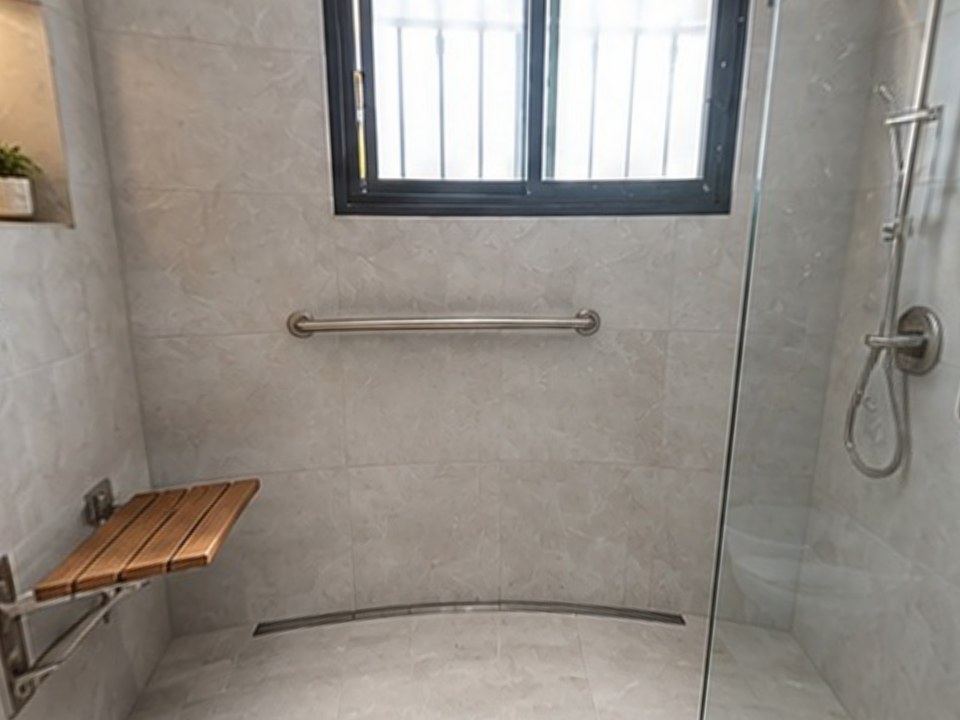
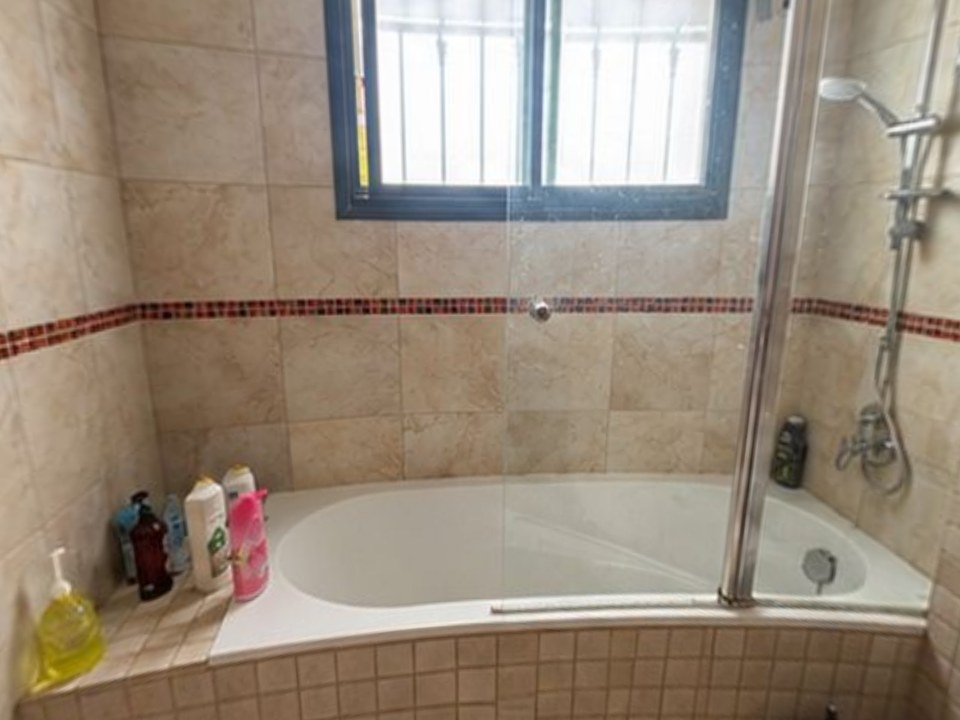
Many kitchen and bath contractors use SketchUp for one thing: helping the client picture the job before they sign. Remodel in 360 does that part without drawing anything. Take 2 phone photos at the estimate, say what changes, and about 6 minutes later the client walks through their own room in 360°, before and after, with every change labeled.
At our own remodeling company, our close rate went from 3 in 10 estimates to 5–6 in 10 after we started sending 360° tours.
- Their actual room, not a model you drew
- 2 change rounds per tour, about 2 minutes each
- One link for WhatsApp, text or email, no app for your client
- Plans: Starter $49/month (4 tours), Pro $99 (12), Team $249 (35). See pricing
The tradeoff: no measurements, shop drawings or custom millwork. Win the job with the tour, then model it in detail afterward if you need to.
What are the best free SketchUp alternatives?
2. Blender
Free, open-source 3D modeling, rendering and animation with a built-in photoreal renderer. More powerful than SketchUp for rendering and organic shapes, with a steeper learning curve.
3. FreeCAD
Free, open-source parametric CAD for precise parts, engineering and 3D printing, with a BIM workbench for architecture.
4. Sweet Home 3D
Free, open-source home design: draw walls in 2D, furnish the room and see it in 3D. Simple and works offline.
What are the best SketchUp alternatives for architecture and BIM?
5. Revit
Autodesk's BIM software for architects and engineers: one model drives plans, sections, schedules and construction documents. Sold as an Autodesk subscription.
6. Archicad
Graphisoft's BIM tool, popular with architects on Mac, with strong documentation and built-in rendering.
7. Rhino
Rhinoceros 3D handles complex curved and freeform geometry, with Grasshopper for parametric design. Sold as a one-time license.
What are the best SketchUp alternatives for home design and builders?
8. Chief Architect
Professional home design CAD that builds plans, elevations, framing, cabinets and materials lists from one model. Premier is $229/month or $1,995/year. See Chief Architect alternatives.
9. Cedreo
Cloud home design for builders and remodelers: floor plans, elevations and photoreal renderings, quickly. Free plan with 1 project; Professional $129/month (Capterra). See Cedreo alternatives.
What are the best SketchUp alternatives for beginners and interior design?
10. Planner 5D
Draw or upload a floor plan, then furnish and decorate it in 3D. Free version and paid plans. See Planner 5D alternatives.
11. Homestyler
Browser-based 2D/3D floor plans and renders with a large product library. Free; Pro $4.90/month (Capterra). See Homestyler alternatives.
12. RoomSketcher
Floor plans with 3D and 360° views of the plan. Free plan; Pro $12/month billed yearly. See RoomSketcher alternatives.
How do you choose the right SketchUp alternative?
Name the output
Construction documents, a render, a 3D print, a floor plan, or a picture that helps a client say yes.
Check what your team already knows
Switching tools costs weeks of learning. Pick the one closest to how you already work.
Count the real cost
Subscription plus rendering plugins plus training time.
Separate selling from building
Many contractors use a fast visual to win the job and detailed CAD after it's signed. See 3D rendering for remodeling contractors.
When should you stay with SketchUp?
If you need precise custom models, shop drawings, detailed millwork or the 3D Warehouse library, SketchUp is worth keeping. For the first sales visit, a tour built from 2 photos is usually enough to win the job, and you can model it in detail afterward.