What is remodeling sales software?
It's any software that helps a remodeler win jobs, as opposed to running them. That includes lead tracking and CRM, scheduling the in-home visit, estimating, proposals and e-signature, follow-up reminders, and sales visuals that show the homeowner what they're buying.
Project management platforms (scheduling crews, job costing, invoicing) start after the contract is signed. Sales software works before it. Many remodelers use one of each. For the project side, see remodeling contractor software.
Where are remodeling sales really lost?
Usually not at the lead. Remodelers get the appointment, walk the room, send a solid estimate, and then hear nothing. The homeowner can't picture the remodel from a scope and a number, so they compare the only thing they can see: the price. That's how a better contractor loses to a cheaper bid. More in why homeowners pick the cheapest contractor and remodeling leads not converting.
At our own remodeling company, our close rate went from 3 in 10 estimates to 5–6 in 10 after we started sending 360° tours.
What does remodeling sales software need to do at each stage?
| Stage | What you need | Tools remodelers use |
|---|---|---|
| 1. Leads and appointments | Capture leads, track the pipeline, book the visit | JobNimbus, Houzz Pro, your CRM |
| 2. The in-home estimate | Measure, price options, show the finished room | Remodel in 360, Leap SalesPro, Hover (exteriors) |
| 3. Proposal and signature | Clean proposal, options, e-sign, deposit | Leap SalesPro, JobTread, Knowify, Houzz Pro |
| 4. Follow-up | Reminders, re-send, answer "what if" fast | Your CRM's automations, a shareable tour link |
Stage 1: Which tools help with leads and appointments?
JobNimbus
A CRM and job management tool popular with roofers and exterior contractors: boards for each lead stage, tasks, estimates and a mobile app. Check its site for current pricing.
Houzz Pro
An all-in-one platform that also brings leads from Houzz, with CRM, estimates, proposals and 3D floor plans. Free plan; paid plans $99–$399+/month; Houzz advertising is a separate cost. See Houzz Pro alternative.
Stage 2: Which tools help most at the in-home estimate?
This is the visit where the homeowner decides whether they trust you with their kitchen or bathroom. The more of the finished job they can see, the less they lean on price.
Remodel in 360
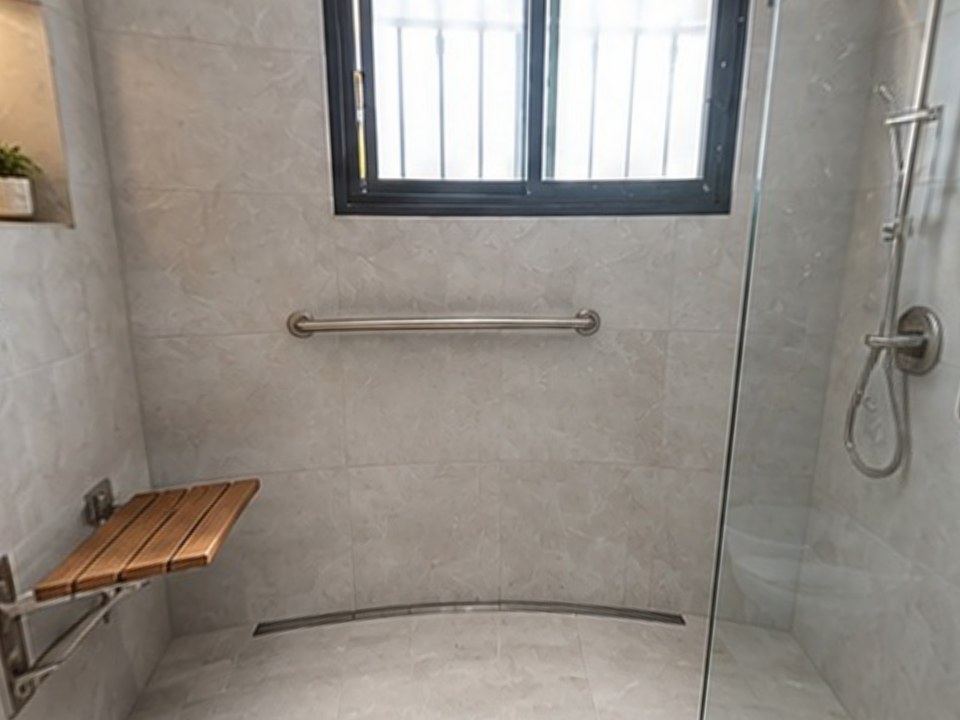
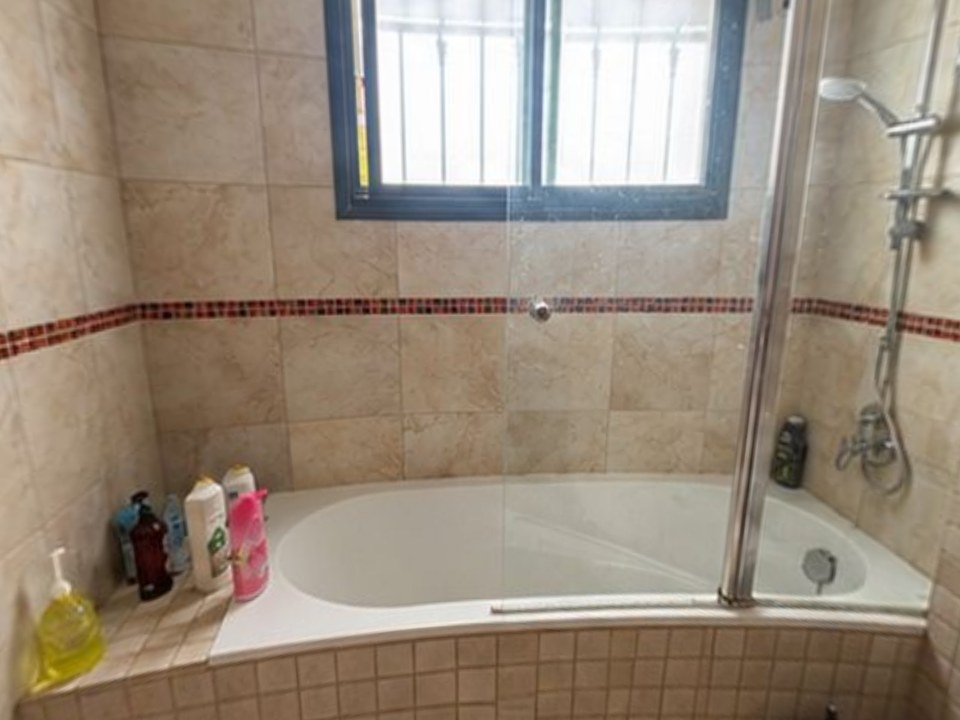
Take 2 photos of the room during the walk-through, type or dictate the changes, and about 6 minutes later the client walks through their own room in 360°, before and after, with every change labeled. When they ask "what about lighter tile?", a new version takes about 2 minutes. Starter $49/month (4 tours), Pro $99 (12), Team $249 (35). See pricing.
Leap SalesPro
An in-home sales app for teams that present and sign on a tablet: digital estimates, price books, proposals, e-signature and payment capture. Leap Team is $79 per user per month plus a $500 setup fee; SalesPro from $99 per user per month (Leap's pricing page, October 2026). See Leap SalesPro alternatives.
Hover
For exterior jobs: a 3D model of the house from phone photos with measurements and product designs, from $59 per project. See Hover alternatives.
Stage 3: Which tools help with proposals and signatures?
JobTread
Estimates, proposals with e-signature, job costing and a client portal. $199/month plus $20 per internal user, no contract (JobTread's pricing page, October 2026).
Knowify
Estimating, proposals and job costing for contractors who run their books in QuickBooks. From $99/month for 1 user; Advanced $329/month for 10 users.
Your proposal, with a tour attached
Whatever proposal tool you use, put the tour link in it. The client opens the price and the finished room in the same message. See remodeling proposal software and how to present a remodeling estimate.
Stage 4: How do you follow up without being pushy?
Most CRMs can send reminders. What makes a follow-up work is giving the homeowner something new to look at, not just "checking in". Re-send the tour, send a second version with the option they hesitated on, or answer their question with a picture. More in how to follow up on a remodeling estimate.
How much does remodeling sales software cost?
| Tool | Stage | Starting price |
|---|---|---|
| Remodel in 360 | In-home estimate, follow-up | First tour free, then $49/month |
| Leap SalesPro | In-home estimate, proposal | $79/user/month + $500 setup (Leap Team) |
| Knowify | Proposal, job costing | $99/month (1 user) |
| JobTread | Proposal, job costing | $199/month + $20/user |
| Houzz Pro | Leads, proposals, 3D | Free plan; $99–$399+/month |
| Hover | Exterior estimates | From $59 per project |
Prices from each company's pricing page or Capterra, checked October 2026. They change, so confirm before you buy. We make Remodel in 360. All other names are trademarks of their owners.
A simple test: if a tool helps you sign one more remodel a year, it usually pays for itself many times. Check your own numbers with the free close rate calculator.
How do you choose the right remodeling sales software?
Find your leak
Not enough leads, appointments that don't convert, or proposals that go quiet. Fix the biggest one first.
Match the tool to the stage
A CRM won't close a homeowner who can't picture the job. A visual won't fix a lead problem.
Count users and fees
Per-user pricing and setup fees change the real cost for a sales team.
Test on a real job
Use a free trial or free first project on an actual estimate, then compare the result.