What is See It Done, and why look for an alternative?
See It Done (seeitdone.ai) is an AI home improvement visualiser for contractors. You put it on your website; a homeowner uploads a photo of their kitchen, bathroom, driveway or garden, chooses styles, gets an AI before & after, and you get their details as a lead. It works on WordPress, Wix, Squarespace and custom sites, with a free plan and paid plans for white-labeling.
It's built for lead capture. Contractors look for an alternative when the problem isn't getting leads but closing them, when they want the visual to show their own plan rather than options the homeowner picks, or when they need exteriors with measurements.
Lead capture vs. closing the lead: which do you need?
| Website visualiser (lead capture) | Sales visual (closing) | |
|---|---|---|
| When | Before you've met the homeowner | At or after the estimate visit |
| Who makes it | The homeowner, on your site | You, from photos you take |
| Shows | Styles the homeowner picks on one photo | Your actual plan in their room, every change labeled |
| Goal | More inquiries | More signed jobs |
| Examples | See It Done, Renoworks visualizers, homevisualizer.ai | Remodel in 360 |
Many contractors need both: a website tool to get the lead, and a sales visual to win it. More in remodeling leads not converting.
Which See It Done alternatives are best?
| Tool | Best for | What you get | Starting price |
|---|---|---|---|
| Remodel in 360 | Closing kitchen and bath jobs at the estimate | 360° before & after of the client's real room from 2 photos, every change labeled | First tour free, then $49/month |
| Renoworks | Exterior product visualizers on your site | Siding, roofing and paint shown on a photo of the house | Capterra lists from $39/month; dealer setups quote-based |
| homevisualizer.ai | AI previews with your products | One-photo AI redesigns with product references | Free trial; plans from $19/month |
| Hover | Exterior measurements and estimates | 3D model of the house from phone photos | From $59 per project |
| Remodel AI | Quick idea images | AI redesign of one photo in seconds | From $6.99/week |
| Home Designs AI | Interiors, exteriors and gardens | AI redesign from one photo | About $27–$37/month |
Prices from each company's website or public listings (Capterra), checked October 2026. They change, so confirm before you buy. See It Done and the other names are trademarks of their owners; we're not related to any of them. We make Remodel in 360, so weigh our view of our own product accordingly.
1. Remodel in 360: best for closing the job at the estimate
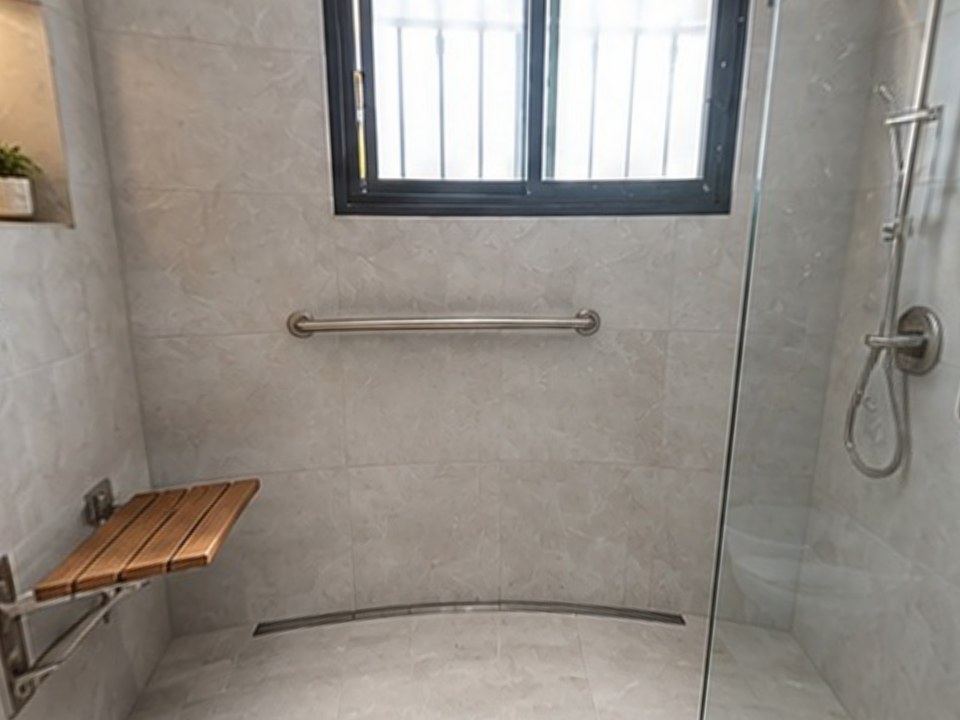
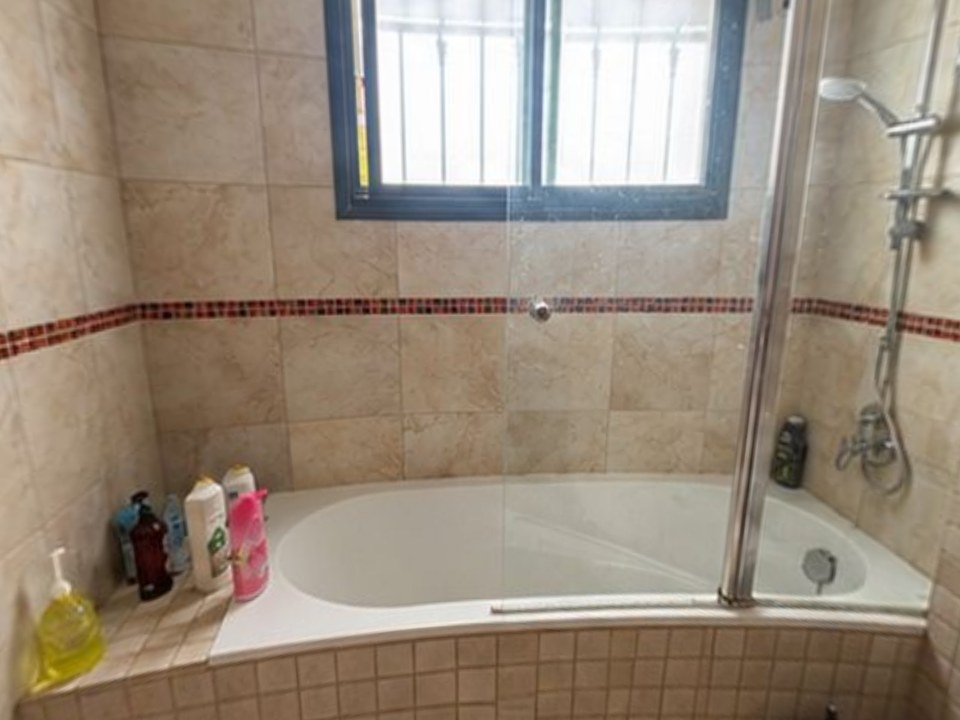
See It Done helps a homeowner imagine options before they call you. Remodel in 360 works after you've walked the room: take 2 photos, type or dictate your scope, and about 6 minutes later send a 360° tour of that room, before and after, with every change you're quoting labeled. They're not looking at a style they picked; they're looking at the job you'll build.
At our own remodeling company, our close rate went from 3 in 10 estimates to 5–6 in 10 after we started sending 360° tours.
- Their real room in 360°, not one photo
- Your plan, with what stays kept in place
- 2 change rounds per tour, about 2 minutes each
- Plans: Starter $49/month (4 tours), Pro $99 (12), Team $249 (35). See pricing
The tradeoff: it's not a website widget, and it's interiors only for now.
2. Renoworks: best for exterior products on your website
White-label visualizers that show siding, roofing, paint, windows and doors from brand catalogs on a photo of the house. Popular with manufacturers, dealers and exterior contractors. See Renoworks alternatives.
3. homevisualizer.ai: best for AI previews with your products
One-photo AI redesigns of rooms, exteriors and yards, with product and paint references you upload. Free trial; plans from $19/month (its pricing page, October 2026).
4. Hover: best for exterior measurements
A 3D model of the house from phone photos, with measurements, designs and estimates. Charged per project, from $59 on Starter. See Hover alternatives.
5. Remodel AI and 6. Home Designs AI: best for quick ideas
Both redesign one photo in seconds, mainly for homeowners. Remodel AI starts at $6.99 a week; Home Designs AI is about $27–$37 a month. Good for inspiration, not for showing a specific quote. See Remodel AI alternatives and Home Designs AI alternatives.
How do you choose the right See It Done alternative?
Find your bottleneck
Too few leads: a website visualiser. Leads that don't sign: a sales visual.
Interior or exterior
Exteriors: Renoworks or Hover. Kitchens and baths: Remodel in 360.
Who makes the visual
The homeowner on your site, or you at the estimate with your real scope.
Count the cost of one job
A tool that wins one more remodel a year usually pays for itself many times.
When should you stay with See It Done?
If you run ads or SEO to your website and want more homeowners to turn into leads, an interactive visualiser on your site does that well, and See It Done is built for it. Many contractors keep it for lead capture and add Remodel in 360 to close those leads.