What is Homestyler, and what does it cost?
Homestyler is browser-based home design: draw a 2D floor plan, furnish it in 3D from a large product library and render photo-real images. It's popular with homeowners and designers on a budget.
Capterra lists a free plan, Pro at $4.90/month, Master at $9.90/month and Team at $19.60 per user per month (October 2026).
Why do people look for Homestyler alternatives?
- You have to draw the room first, which takes time and practice
- Many products in the library can't be bought where you live
- Rendering credits and higher resolution sit on paid plans
- Professionals need cabinets, construction details or client presentations it doesn't cover well
- For contractors: a newly drawn room isn't the client's real room, so it's less convincing at the estimate
Which Homestyler alternatives are best? (comparison table)
| Tool | Type | Best for | Starting price |
|---|---|---|---|
| Remodel in 360 | Photo to 360° tour | Contractors: the client's real room, finished | First tour free, then $49/month |
| Planner 5D | Floor planner | DIY floor plans and 3D | Free version; see its site |
| RoomSketcher | Floor planner | Clean floor plans with 3D and 360° views | Free; Pro $12/month billed yearly |
| Floorplanner | Floor planner | Quick, simple floor plans in the browser | Free plan; see its site |
| Sweet Home 3D | Floor planner | Free, offline, open source | Free |
| Coohom | Pro design | Fast kitchen and cabinet renders | Free version; Pro $9.90/user/month |
| Foyr (Neo) | Pro design | Interior designers: plan to photoreal render | From $33/month, billed yearly |
| SketchUp | 3D modeling | Custom 3D models you draw yourself | Free web version; Go $129/year |
| Interior AI | AI from a photo | Style ideas and staging, nothing to draw | Pro $39/month |
| Remodel AI | AI from a photo | Homeowner remodel ideas | From $6.99/week |
Prices from each company's site or listings on Capterra, Toolradar and PricingSaaS, checked October 2026. Prices change, so confirm before you buy. Homestyler and the other names are trademarks of their owners; we're not related to any of them. We make Remodel in 360, so weigh our view of our own product accordingly.
1. Remodel in 360: best Homestyler alternative for contractors
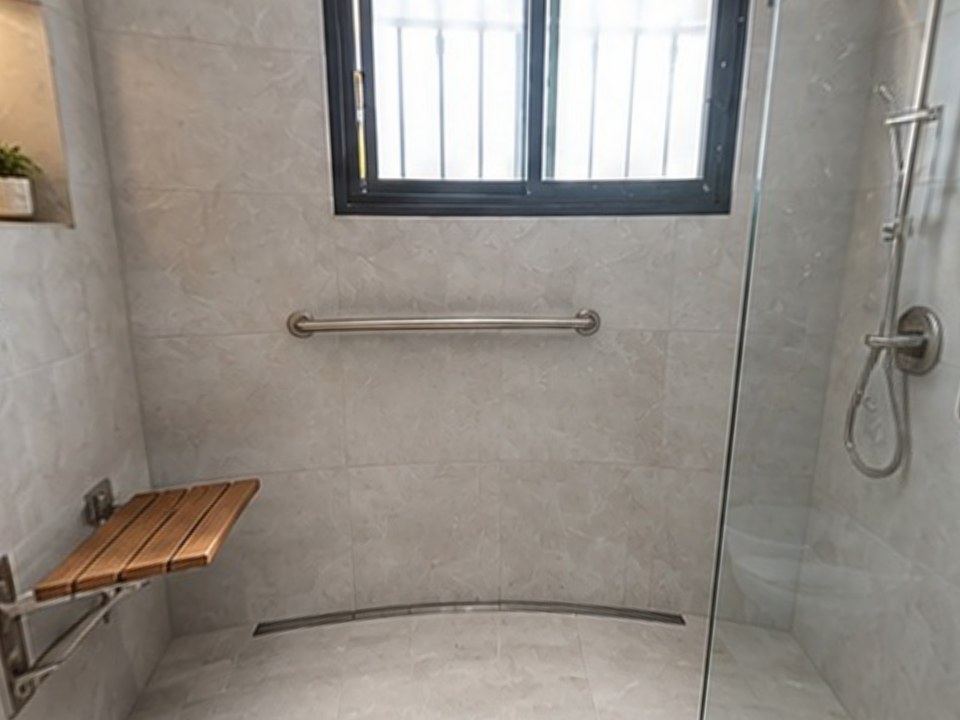
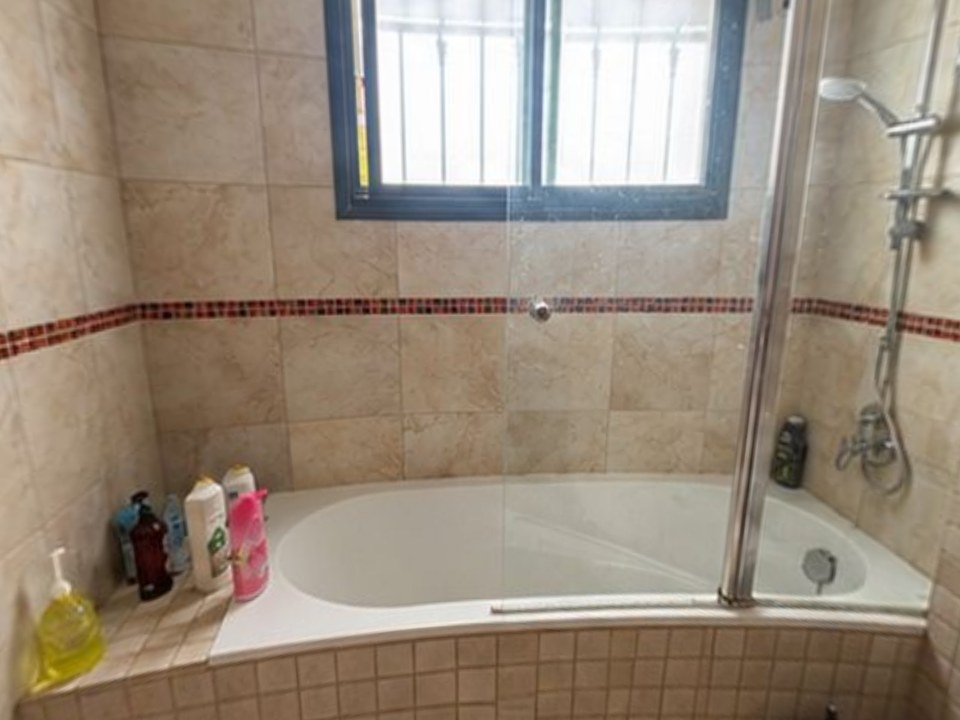
Homestyler helps you design a room by drawing it. Remodel in 360 starts from the client's real room. Take 2 phone photos at the estimate, say what changes, and about 6 minutes later the client walks through their own kitchen or bathroom in 360°, before and after, with every change labeled. No floor plan to draw.
At our own remodeling company, our close rate went from 3 in 10 estimates to 5–6 in 10 after we started sending 360° tours.
- Their actual room, not a new one drawn from scratch
- 2 change rounds per tour, about 2 minutes each
- One link for WhatsApp, text or email, no app for your client
- Plans: Starter $49/month (4 tours), Pro $99 (12), Team $249 (35). See pricing
The tradeoff: no floor plans, furniture layouts or product library. If you're designing a room from scratch, the floor planners below fit better.
Which Homestyler alternatives are best for floor plans?
2. Planner 5D
Draw or upload a floor plan, then furnish and decorate it in 3D, on web and mobile. Free version and paid plans. See Planner 5D alternatives.
3. RoomSketcher
Clean 2D and 3D floor plans with 360° views of the plan. Free plan; Pro $12/month billed yearly. See RoomSketcher alternatives.
4. Floorplanner
Quick floor plans in the browser in 2D and 3D. Free plan; check its site for paid options.
5. Sweet Home 3D
Free, open-source home design that works offline. Simple, but no cloud rendering.
Which Homestyler alternatives are best for professionals?
6. Coohom
3D kitchen, cabinet and interior design with fast photo-real renders. Free version; Pro $9.90 per user per month (Capterra). See Coohom alternatives.
7. Foyr (Neo)
Interior design software from floor plan to furnished 3D and photoreal renders. From $33/month billed yearly, up to $103/month (PricingSaaS).
8. SketchUp
General 3D modeling for precise custom designs. Free web version; Go $129/year, Pro $399/year. See SketchUp alternatives.
Which alternatives redesign a room from a photo?
9. Interior AI
Upload one photo and get redesigns in dozens of styles, plus virtual staging. Pro $39/month (Toolradar). See Interior AI alternatives.
10. Remodel AI
A homeowner app that redesigns rooms and exteriors from a photo. From $6.99 a week. See Remodel AI alternatives.
RoomGPT is the cheapest option for a few one-off ideas: 1 free redesign, then credit packs from $9. See RoomGPT alternatives.
Is there a free Homestyler alternative?
Yes. Sweet Home 3D is completely free. Planner 5D, RoomSketcher, Floorplanner and Coohom have free versions, SketchUp has a free web version, and Remodel in 360's first full tour is free with no card.
How do you choose the right Homestyler alternative?
Decide: draw or photograph
Floor planners need you to draw the room; AI and photo tools start from a picture of the real room.
Match the tool to the user
A homeowner, an interior designer and a contractor selling a remodel need different things.
Check the furniture
If you want to buy what you see, look for real, buyable products in your region.
Try the free plan first
Almost every tool here has one. Test it on a room you know.
When should you stay with Homestyler?
If you want to design a room from scratch, try furniture layouts or render floor plans on a tight budget, Homestyler is great value. For remodel sales, the client's real room in 360° is more convincing than a newly drawn one.